Capture your starting point.
Set up your phone, choose your view and record a photo or short clip. Start with a clear, well-lit frame.
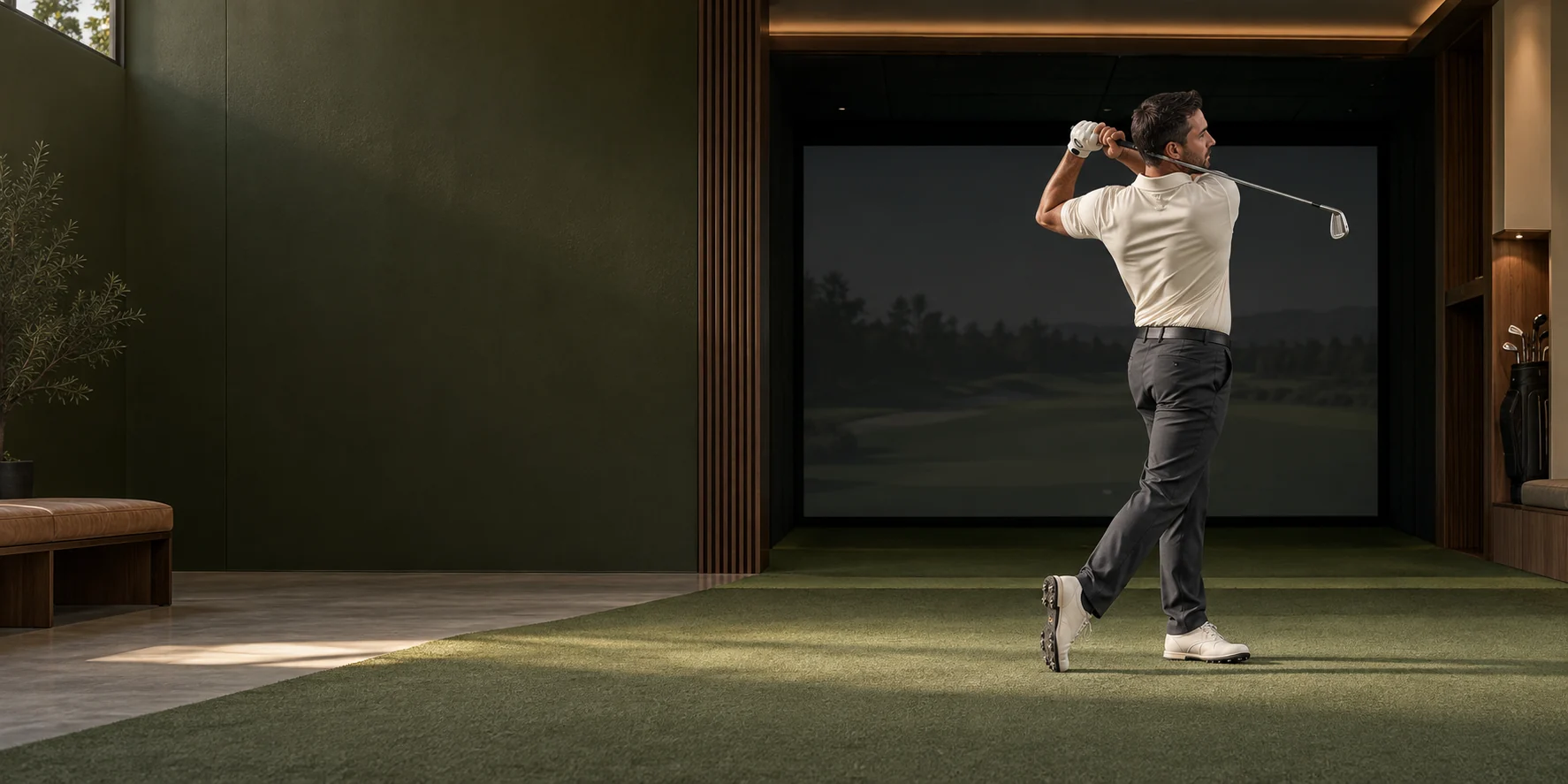
A new perspective on practice
Bring intention to your time in the bay.
AI-assisted feedback, a clearer focus, and the
moments you’ll want to come back to.
You know the feeling of a good shot. GolfAI helps you look more closely at the setup behind it.
Capture your practice, explore visible posture with AI-assisted feedback, and carry your coach’s guidance into your next session.
Body keypoints and visible posture observations give your review a useful starting point.
Keep feedback and coach-approved references close, from one indoor session to the next.
Save highlights, add tags and revisit the parts of practice that matter to you.
The art of paying attention
Slow down. Look again.
Make room for the details.
The film couldn’t load. Open the video.
A steady camera and a clear view give your review a better starting point. Explore the two views below.
Keep your whole body and club in frame. Use a stable stand, stay outside the swing area and follow your venue’s filming rules.
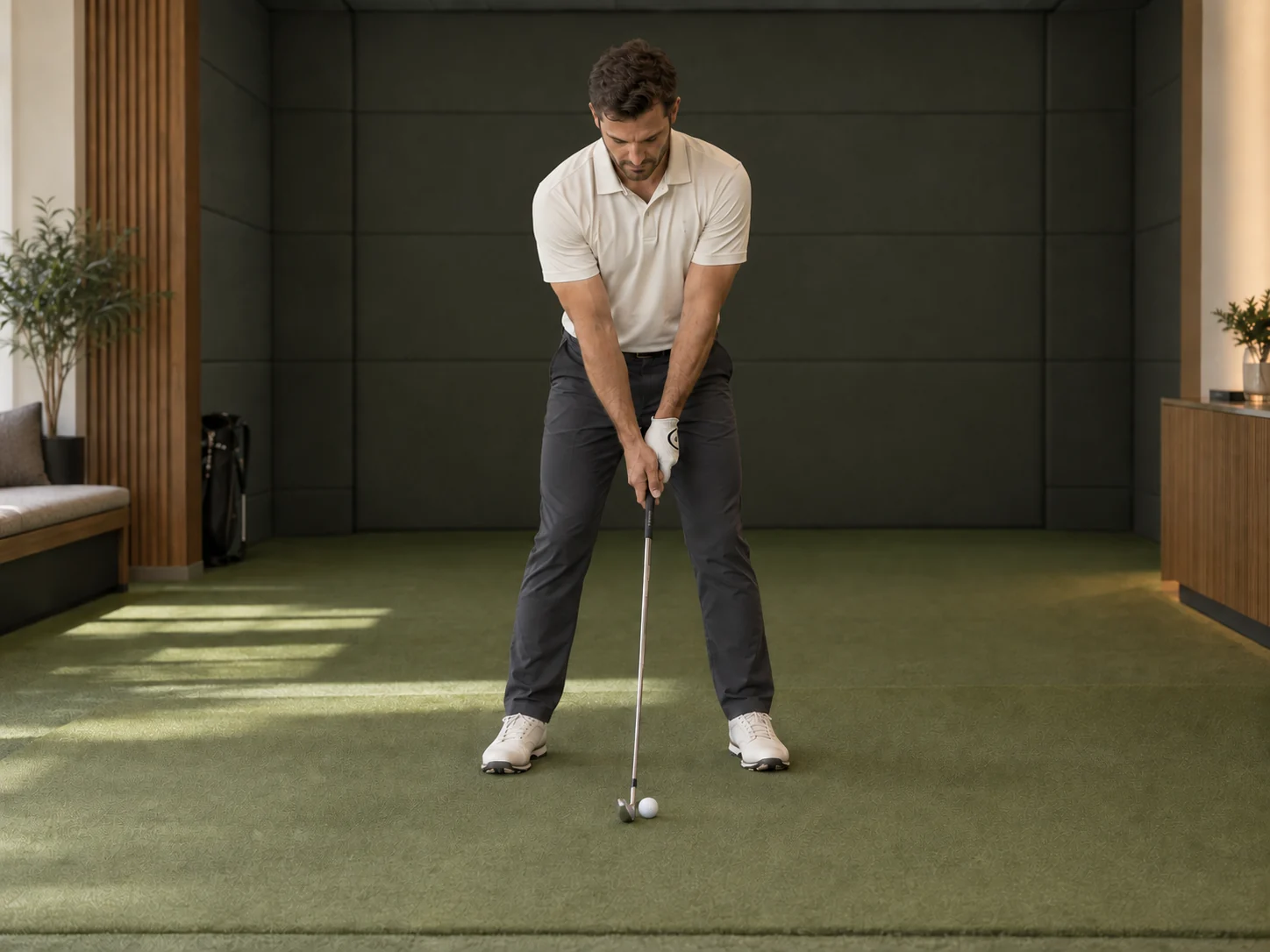 VIEW 01 / FACE-ON
Place your phone opposite your chest, perpendicular to the target line. Step back far enough to include the full swing.
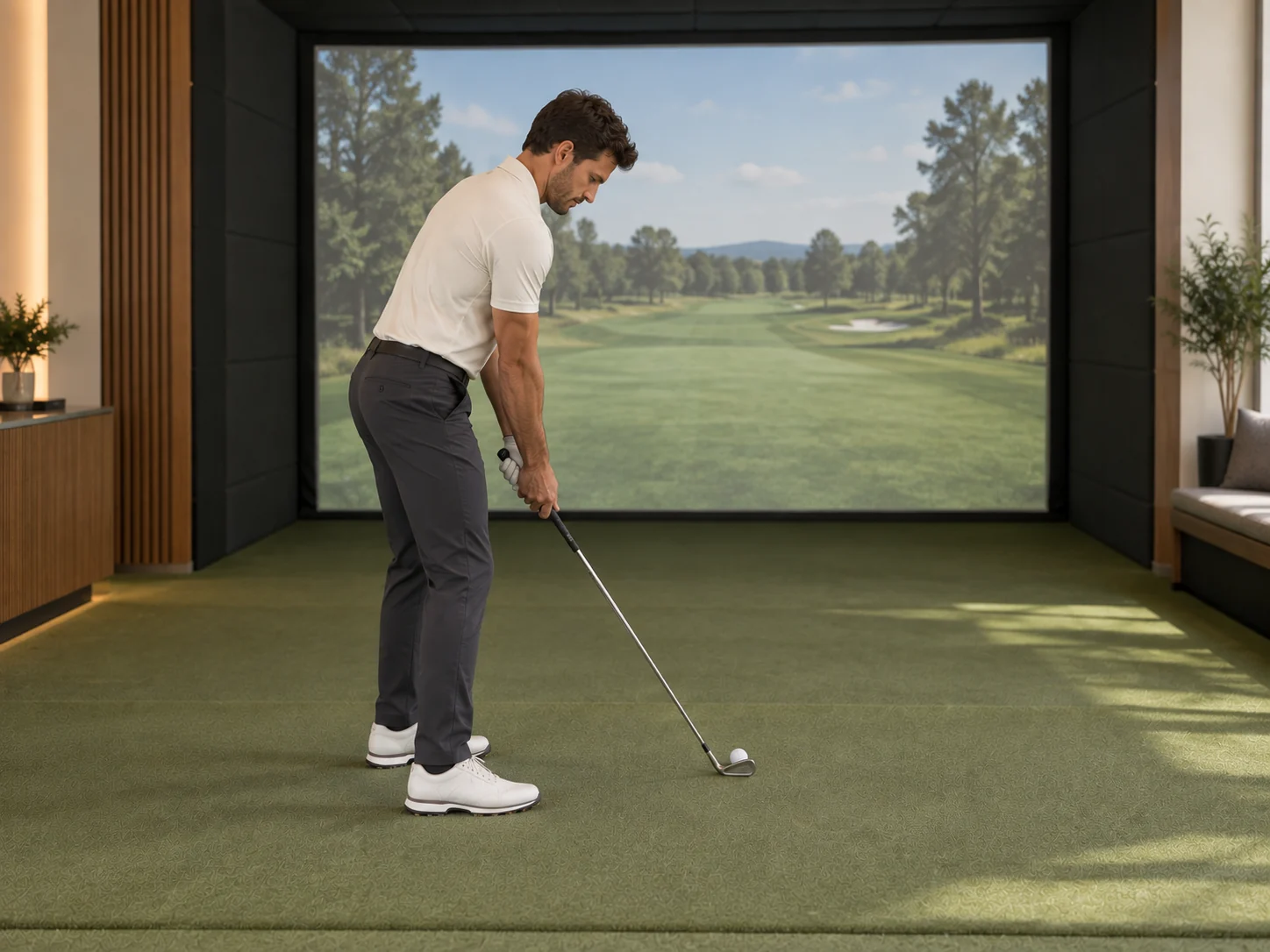 VIEW 02 / DOWN THE LINE
Place your phone behind you, looking along the target line. Keep the camera steady and safely clear of the club’s path.
Illustrative studio scenes. Frame to suit your space and swing.
Make the most of a lunch-break bucket, an evening simulator booking or the time between lessons.
Set up your phone, choose your view and record a photo or short clip. Start with a clear, well-lit frame.
Review visible posture observations alongside saved feedback and coach-approved references. Choose one useful focus.
Save a practice highlight, organise it with tags and return to your notes before the next session.
Keep the feeling
A setup you want to remember. A cue that finally clicks. A session you’re glad you made time for.
Bring your favourite practice moments together with Highlights, ready for your next review.
Build your collection SAVE / TAG / REVISITGood coaching deserves to travel with the golfer. GolfAI brings references, feedback and practice moments into one place.
Arrive with a focus. Keep your practice organised and make the most of your time in the bay.
Use approved references and saved observations to give the next conversation a clearer starting point.
Support phone-based review alongside indoor sessions, with camera placement and shared-space etiquette in mind.
A phone and a stable stand are a good start. Choose a well-lit position that keeps your whole body and club in frame, outside the swing area. Follow the venue’s filming rules and keep other people out of your recording. Open GolfAI to capture or upload a photo or clip.
GolfAI can help you review visible posture and body keypoints. A still image cannot establish movement, impact timing, true weight distribution or overall swing quality. Camera angle, lighting and occlusion affect the result. Use observations as a starting point with your coach’s judgement.
Your account and authorised staff access controls apply to saved practice. Optional AI image review asks for your agreement to share selected images with GolfAI and its processing partners. Only record people you have permission to film, and check the consent details in the app before sharing.
Use GolfAI alongside your simulator for camera-based practice review. It does not measure ball speed, spin or launch data, or claim a direct launch-monitor integration. The browser app works over HTTPS; Android, macOS and Windows downloads are also available. Camera and microphone features depend on device permissions.
Your next session starts here